LiveHealth Online Mobile
- 3.7
- Rating
- 500.00K
- Installs
- Free
- Price

 Analysis by App-foxy
When I need medical advice but do not want to turn a simple question into a long trip to a clinic, LiveHealth Online Mobile is the kind of app I would keep available. It is a free medical app from American Well Corporation that connects mobile users with a live doctor. That sounds straightforward, and in practice its value comes from making a remote consultation feel like a normal first step rather than a last resort.
I would not treat it as a replacement for emergency care, a full medical record, or an in-person examination. I see it more as a practical front door for situations that need professional guidance but may not justify rearranging an entire day. The app has been around since October 9, 2013, and its broad appeal is reflected in more than 500,000 installs. Its average rating is 3.8 from about 6,900 ratings, which suggests a useful service with a mixed experience depending on the person, the consultation, and the device being used.
How I use LiveHealth Online Mobile for a normal consultation
My preferred workflow starts before I open the app. I decide whether the issue is suitable for a remote conversation, make sure I can describe the symptoms clearly, and choose a place where I can speak privately. That preparation matters more than it may seem. A live doctor can ask focused questions, but the quality of the appointment still depends on how clearly I explain what is happening, when it started, and what has changed.
You May Also Like

 Blood Strike: 2.5 Anniversary
Blood Strike’s Loadouts Turn Every Drop Into a Tactical Gamble
A close look at Blood Strike’s custom loadouts: how fast access to signature weapons reshapes its battle royale rhythm, rewards preparation, and narrows the gap between fights.

 Pandora - Music & Podcasts
Pandora’s Music Is Easy to Start, but Harder to Recover
Pandora’s strength is its low-effort path from a seed to a station. Its weak spot is how much confidence it asks you to place in connection, setup, and quiet recovery.

 8 Ball Pool
 Is Built on Rivalries, Rematches, and Routine
A close look at the rivalries, rematches, shared routines, and unanswered safety questions that turn a quick pool match into a persistent mobile community.

 Samsung Music
’s Quiet Strength Is Playing What You Already Own
Its reach comes less from spectacle than from dependable access to a personal library. That simplicity is both the app’s strongest retention engine and its ceiling.

 AccuWeather: Weather Radar
AccuWeather Review: A Quick, Clear Forecast for Everyday Decisions
For everyday plans, the best forecast is the one you can understand quickly. AccuWeather makes rain timing, radar, and local conditions easy to act on, with a few trade-offs.

 Hill Climb Racing
Why Hill Climb Racing Still Turns Crashes Into One More Run
A tiny car, a bumpy hill and one more upgrade: Hill Climb Racing keeps resurfacing because its simple chaos makes every near-miss feel personal.
More From Our News Desk



For a minor concern, a follow-up question, or advice about symptoms that do not appear immediately dangerous, the app offers a convenient alternative to waiting in a crowded clinic. I find the strongest use case is the awkward middle ground between “I should ask a medical professional” and “I need urgent hands-on treatment.” A video or live consultation can help me understand what to do next, which is often more useful than spending hours searching random health pages.
A realistic example would be waking up with a new but manageable symptom before a workday. Instead of guessing from search results, I could use the app to speak with a doctor, explain the timing and severity, and receive professional direction. If the doctor believes an in-person visit is necessary, the consultation has still helped me avoid wasting time on the wrong assumption. If the problem is appropriate for remote advice, I get that guidance without the usual travel and waiting-room routine.
I would keep a short note ready with the main symptom, its start time, anything that makes it better or worse, and any relevant medicines or conditions. This is one of the most useful habits for repeat users because it prevents the appointment from becoming a scattered story. It also leaves more time for the questions I actually want answered.
The app is aimed at everyone rather than a narrow age group, and that makes it approachable for households that want a simple mobile route to a doctor. Still, “easy to access” does not mean every person will find the same value. Someone who needs a physical examination, testing, immediate treatment, or emergency intervention should choose the appropriate local medical service instead. Remote care is helpful precisely when its limits are understood.
What I check before starting
I pay attention to the practical conditions around the consultation. A quiet room, a charged phone, and a stable connection make the interaction less stressful. I also avoid starting while walking through a noisy public place. Medical conversations are not improved by repeating every sentence, and privacy is part of having a useful appointment.
I also think about whether I can remain available for the conversation. Opening the app during a rushed commute or between meetings may be tempting, but it creates a poor setting for describing symptoms accurately. My better habit is to treat the consultation like a short appointment, even though the app makes access feel more immediate.
Another helpful step is deciding what outcome I need. Sometimes I want to know whether a symptom deserves in-person attention. Sometimes I need help understanding the next step. Sometimes I simply need to discuss a concern with a doctor instead of relying on online speculation. Being clear about that goal makes the conversation more focused and helps me judge whether the service is the right tool.
Settings and habits that make the experience smoother
LiveHealth Online Mobile is not an app I would use effectively by installing it and immediately expecting the technology to solve everything. The useful “settings” are partly inside the phone itself and partly in the way I prepare. I check that the app is current, confirm that the phone can handle a live consultation, and make sure the microphone and camera situation is comfortable before I need medical help.
The current version is 20.05.0100 and the app supports devices running Android 8.0 or later. That is worth checking before relying on it, especially if the app is being installed on an older phone. Compatibility is easy to overlook when the device still works well for everyday tasks, but medical video communication is not the moment to discover that an operating system is too old.
I prefer to review the app’s access requests when setting it up rather than during a stressful consultation. Camera and microphone access are naturally relevant to speaking with a doctor, but I still like knowing what the phone is allowing. I also check notification behavior so that I do not miss an important prompt while the app is waiting for my attention. These are small steps, yet they reduce avoidable friction.
One advanced but simple habit is to keep the phone positioned at eye level instead of holding it in one hand. This gives the doctor a steadier view and leaves me free to take notes. Good lighting from in front of me is more useful than a bright window behind me, and headphones can help in a noisy home. None of this changes the medical advice, but it can make the exchange clearer and less tiring.
I would also avoid changing several phone settings immediately before an appointment. Turning on aggressive battery saving, switching networks repeatedly, or closing background functions can create confusion at the wrong time. My repeatable routine is simpler: charge the device, use the most reliable connection available, open the app early enough to resolve a basic problem, and keep a backup way to contact local care if the consultation cannot proceed.
The app is free to download, which lowers the barrier to trying it. That does not mean every consultation or medical situation should be judged only by the app’s download price. Healthcare access can depend on circumstances outside the application, so I would still consider my own coverage, local options, and the type of care I need before making it my main plan.
Privacy is another reason I choose the setting carefully. I do not use a shared device or a public screen for a personal appointment unless I have no better option. I also make sure that people nearby cannot casually hear the conversation. The app’s convenience should not encourage careless handling of sensitive health discussions.
Repeatable shortcuts for people who use it often
Experienced use is less about discovering a secret feature and more about removing the same small delays every time. I keep my symptom notes in a consistent format: what I noticed, when it began, how intense it feels, and what I have already tried. That makes it easier to compare a new consultation with an earlier one without pretending that every episode is identical.
I also prepare a short list of questions before connecting. My first question is usually about the next action, not a diagnosis: should I monitor the issue, arrange an in-person visit, or seek more immediate help? I then ask what change would make the situation more urgent. This pattern turns a broad conversation into practical guidance I can remember after the call ends.
For recurring concerns, I find it useful to write down the doctor’s instructions immediately afterward. A remote visit can feel informal because it happens on a phone, but the advice still deserves the same attention as guidance received in a clinic. Recording the next step in my own words helps prevent a vague memory from becoming an incorrect plan.
I would not use the app as a substitute for keeping important medical information organized elsewhere. The consultation is one part of my healthcare routine, not the entire record. If another clinician needs to know what happened, I want to be able to explain it accurately rather than depend on remembering a quick conversation from days earlier.
There is also a useful trade-off in choosing the app at the right time of day. When I am alert and able to explain myself, a remote visit can be efficient. When I am exhausted, distracted, or too uncomfortable to communicate clearly, the convenience may not compensate for the reduced quality of the interaction. Knowing when not to use a shortcut is part of using it well.
Where remote care helps, and where it reaches its limit
The biggest strength here is access to a live doctor through a mobile device. That human interaction separates the app from ordinary symptom-search tools. Search engines can offer a long list of possibilities, but they cannot ask follow-up questions in the same way or adapt the conversation to what I say. For a person who needs direction rather than more information, that distinction is important.
Compared with calling a clinic, the app can feel more convenient for a quick remote conversation. A phone call may be perfectly adequate for some questions, but the live consultation format can make it easier to explain what I am seeing or to follow a doctor’s questions. Compared with an in-person clinic, the clear advantage is avoiding travel and a waiting room. The clear disadvantage is that the doctor cannot perform every examination or provide every type of treatment remotely.
That trade-off means I would skip this app when the problem obviously requires hands-on assessment. I would also avoid delaying emergency help while trying to arrange an online consultation. The right comparison is not “app versus all healthcare”; it is “remote medical guidance versus the other reasonable first step for this particular concern.” Sometimes the better option is a clinic, urgent care, a pharmacist, an emergency service, or a direct call to a healthcare provider.
Another limitation is that a good consultation depends on communication quality. A weak connection, poor audio, a dark room, or an inability to describe the issue can make the experience frustrating. Even with a good connection, remote care may leave me wanting a physical examination. That is not necessarily a flaw in the app; it is a boundary of the format that should be considered before starting.
I also would not recommend it to someone looking for a complete personal health-management system. Its central appeal is connecting with a live doctor, not replacing every healthcare task. If my priority were detailed long-term monitoring, extensive records, specialist coordination, or a physical diagnostic process, I would look for services designed specifically around those needs.
The rating of 3.8 gives me a balanced expectation rather than a reason to dismiss it. With around 3,800 written reviews, there is enough public response to show that experiences vary. I would interpret that as a reminder to keep expectations realistic: the app can make access easier, but it cannot control every part of a medical visit, including availability, connectivity, the complexity of the issue, or whether remote care is clinically suitable.
Who will get the most value from it
I think LiveHealth Online Mobile is best for people who want a straightforward way to reach a doctor about a non-emergency concern and who are comfortable explaining symptoms through a phone. It can be especially useful for busy adults, people who live far from a convenient clinic, and anyone who wants professional guidance before deciding what kind of care to arrange next.
It can also help cautious users avoid two opposite mistakes: ignoring a concern because visiting a clinic feels inconvenient, or assuming the worst after reading alarming search results. A live consultation provides a more grounded next step. I still need to follow the doctor’s advice and seek further care when directed, but the app can make that decision process less isolated.
I would be more hesitant to recommend it as the primary option for someone who struggles with video calls, has unreliable mobile access, needs an interpreter or support person, or requires frequent physical examinations. Those users may find a local practice or another established healthcare channel more dependable. The app’s simplicity is valuable only when it matches the user’s circumstances.
For families, I would prepare each person’s information separately rather than treating the phone as a shared medical notebook. Before a consultation, I would confirm whose symptoms are being discussed and keep the conversation focused on that person. This avoids mixing details and makes the limited appointment time more useful.
My verdict after building a reliable routine
After looking at the app as something to use repeatedly rather than merely download, I see its main achievement clearly: it lowers the effort needed to start a conversation with a live doctor. That is more meaningful than a long feature list. When I prepare properly, choose an appropriate situation, and use a quiet setup, the app can fit neatly between self-care and in-person treatment.
My recommendation comes with a firm boundary. I would use it for suitable non-emergency questions, follow-up guidance, and deciding what to do next. I would not use it to postpone urgent care, replace an examination, or manage every part of a long-term medical condition. The best results come from treating remote care as one tool in a broader healthcare plan.
American Well Corporation has made the service free to install and accessible to an Everyone-rated audience, which makes trying it relatively easy. The app’s long availability, current support for Android 8.0 and later, and more than 500,000 installs show that it is an established option rather than a brand-new experiment. Still, its moderate average rating is a useful reminder that convenience does not guarantee a perfect appointment every time.
For me, the deciding question is simple: can this concern be explained clearly to a doctor, and would professional direction help me choose the next step? If the answer is yes, LiveHealth Online Mobile is worth having ready. If the answer involves immediate danger, testing, treatment, or a physical examination, I would choose a more appropriate medical service instead.
In short, I recommend it to readers who want live medical guidance from a mobile device and are willing to use it thoughtfully. The strongest experience comes from a repeatable routine: prepare the facts, check the phone, protect privacy, ask about the next action, and recognize the limits of remote care. Used that way, it is a practical medical access point rather than a promise to solve every healthcare problem.
FAQs for LiveHealth Online Mobile
01What is LiveHealth Online Mobile and how does it work?
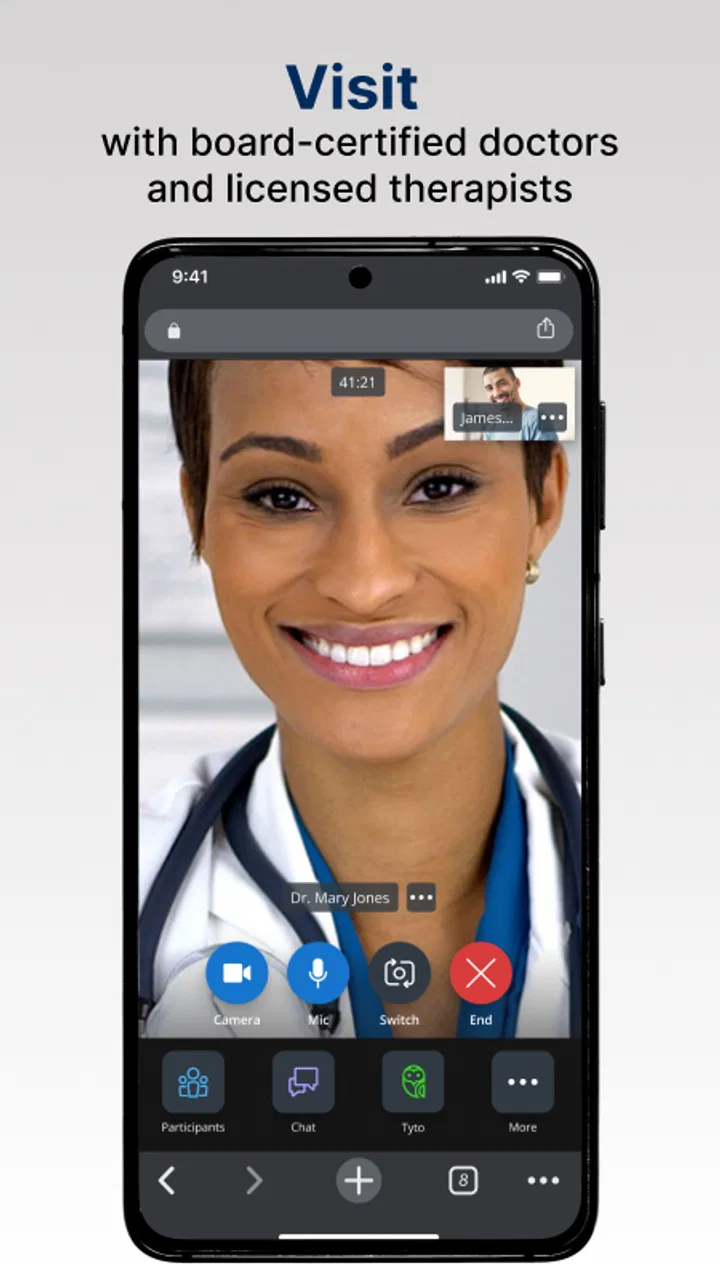
LiveHealth Online Mobile is a telehealth application that allows users to consult with board-certified doctors, therapists, and other healthcare professionals via video calls. It operates on both Android and iOS platforms, providing convenient access to medical advice, prescriptions, and follow-up care from virtually anywhere, ensuring users receive timely healthcare without visiting a clinic.
02Is LiveHealth Online Mobile secure for personal health information?
Yes, LiveHealth Online Mobile prioritizes user privacy and security. The app complies with HIPAA regulations, ensuring that all personal health information and consultations are encrypted and securely stored. Users can trust that their sensitive data is protected against unauthorized access during and after their virtual consultations.
03What type of healthcare services are available through LiveHealth Online Mobile?
LiveHealth Online Mobile offers a range of healthcare services, including general consultations with doctors, behavioral health services with licensed therapists and psychologists, and allergy treatment. Users can also receive prescriptions when medically necessary, making it a comprehensive solution for various healthcare needs.
04How do I schedule an appointment on LiveHealth Online Mobile?
Scheduling an appointment on LiveHealth Online Mobile is straightforward. After downloading the app and creating an account, users can select the type of service they need, view available healthcare professionals, and choose a convenient time for a video consultation. The app provides options for immediate visits or scheduling for a later date.
05Are there any costs associated with using LiveHealth Online Mobile?
While the app itself is free to download, there are costs associated with each consultation. Fees vary depending on the type of service and the user's health insurance plan. Many insurance plans cover part or all of the visit cost, so users are encouraged to check their coverage details before scheduling an appointment.
Pros
- Easy-to-use interface for quick navigation.
- Video consultations with certified doctors.
- Secure and private health data management.
- Available 24/7
- no appointment needed.
- Prescription services available if needed.
Cons
- Requires stable internet for video calls.
- Not all specialists available at all times.
- Limited to participating healthcare providers.
- In-app notifications can be overwhelming.
- Some services may have additional fees.

LiveHealth Online Mobile
Gallery